
Home / Applications / NetMonitor

Overview
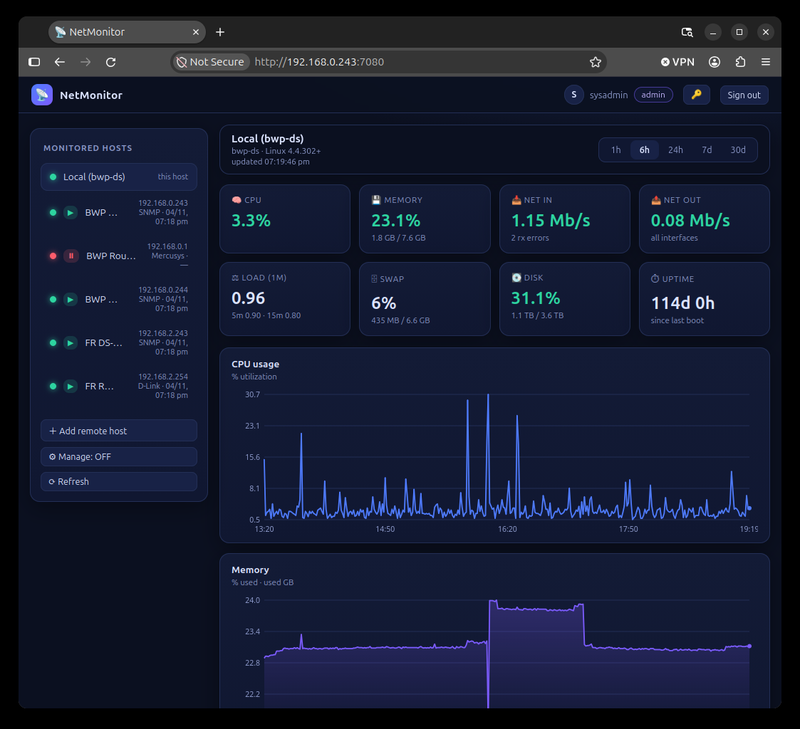
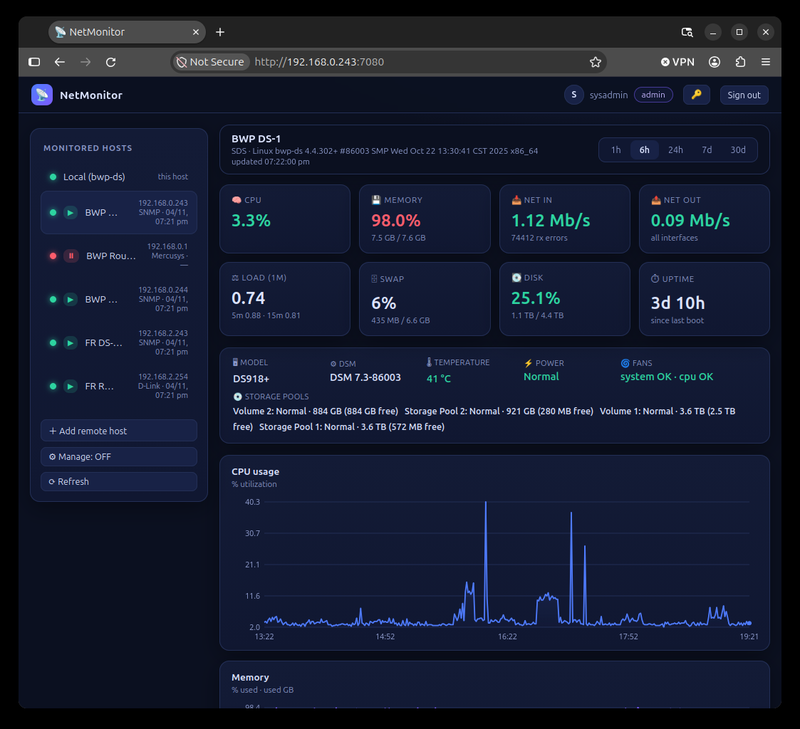
NetMonitor is a self-hosted, web-based monitoring dashboard for your home or office network. It continuously polls remote servers and routers over SNMP (Synology NAS, generic Linux/Windows hosts) or their native APIs (Mercusys/TP-Link and D-Link routers), and shows the results in a clean, mobile-friendly web UI with live KPIs, traffic charts, CPU/memory/load, swap, and disk usage. Multi-user with an admin role and a view-only user role. The backend is Python (Flask) with a zero-maintenance SQLite database, and it runs natively, as a system service, or as a Docker container that survives reboots.
Requirements
- Python 3.9+ (or the provided Docker image)
- SNMPv2c enabled on devices you want to monitor
- Admin access to routers you want to monitor (Mercusys/TP-Link, D-Link)
- Any modern web browser
Features
Live network traffic
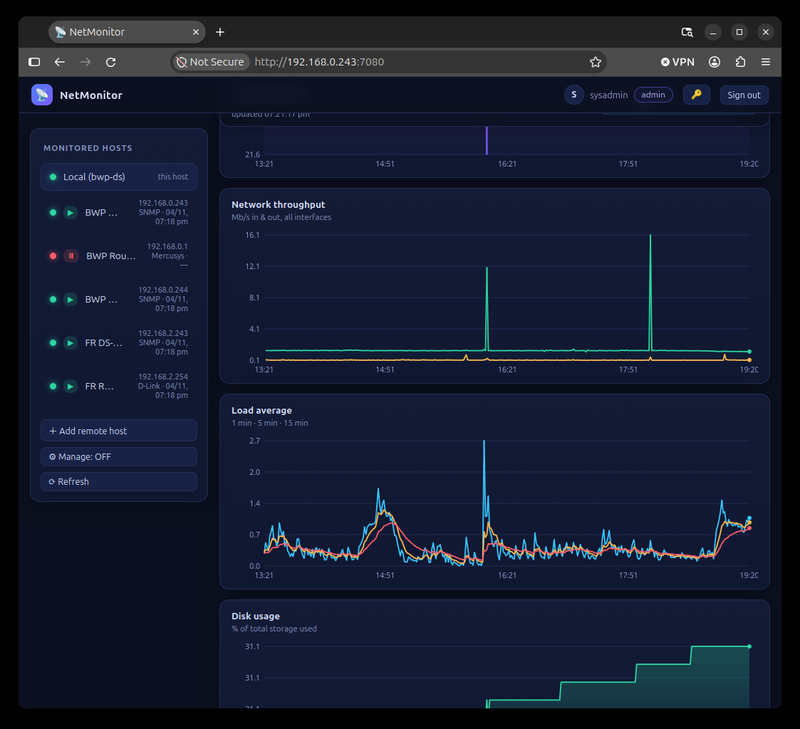
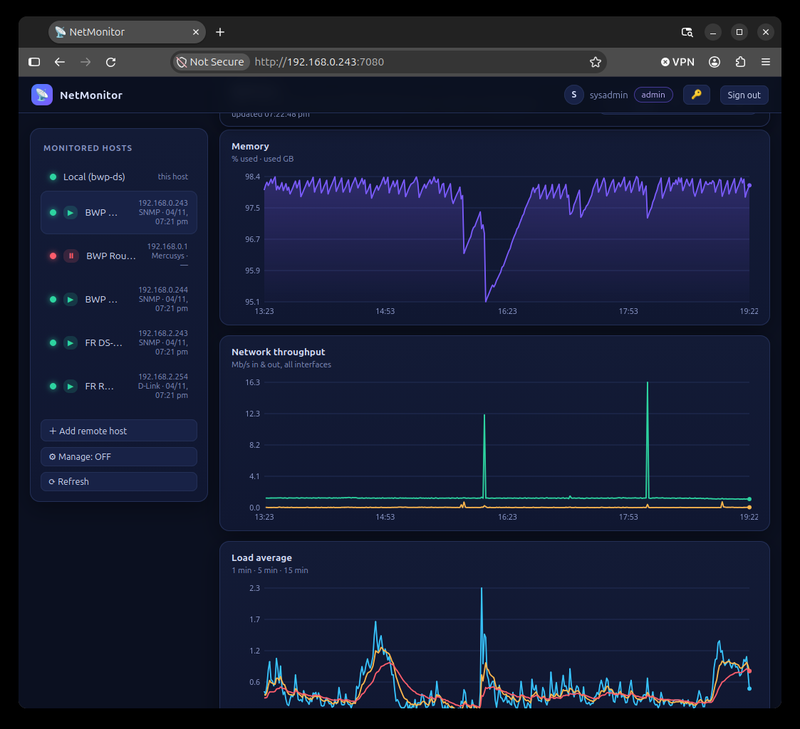
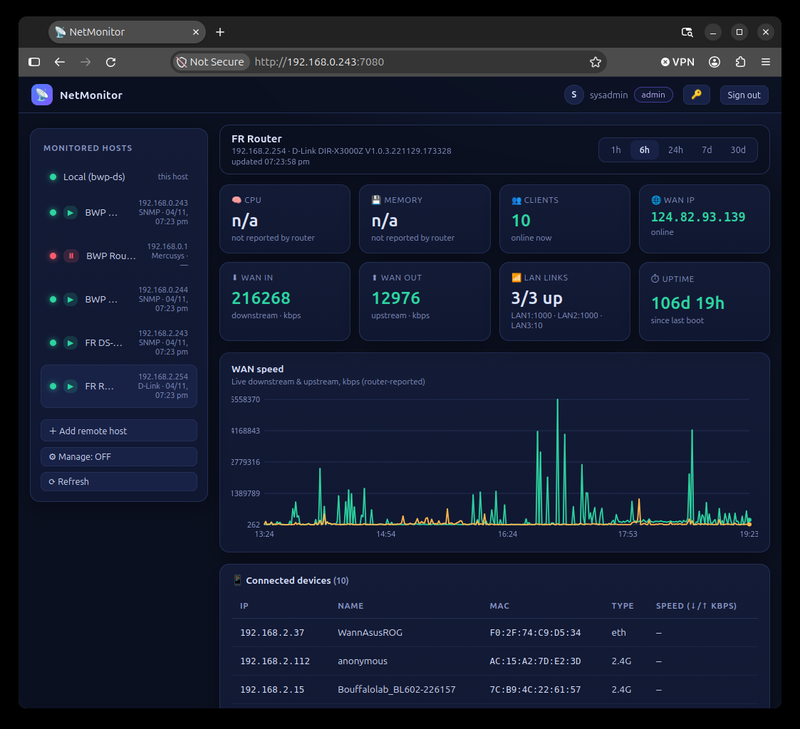
Per-host WAN/LAN traffic graphs with 1h / 6h / 24h / 7d / 30d time ranges, polled continuously and stored locally.
CPU, memory, load & storage
CPU utilisation, RAM + swap, system load averages and disk/volume usage for every monitored host — including full RAID volume breakdowns on Synology.
Router monitoring
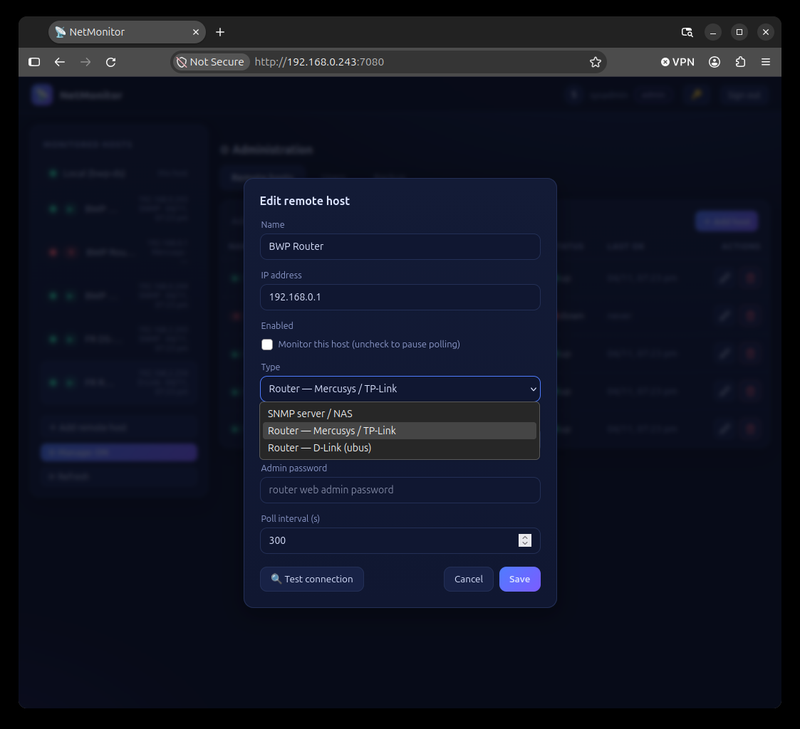
Native monitoring of Mercusys/TP-Link and D-Link routers: CPU, memory, WAN speed, uptime and connected clients — no SNMP required.
Multi-user & roles
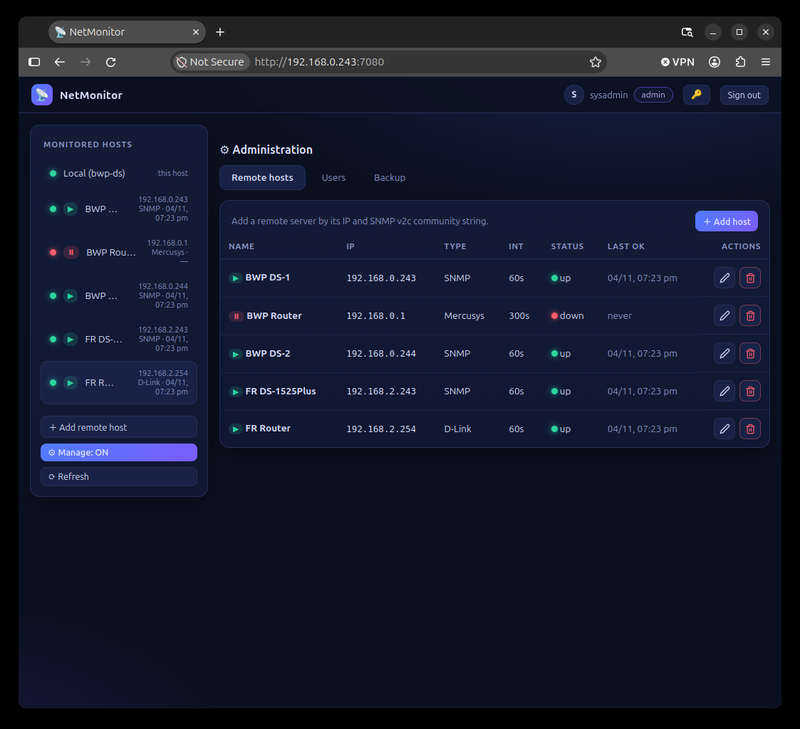
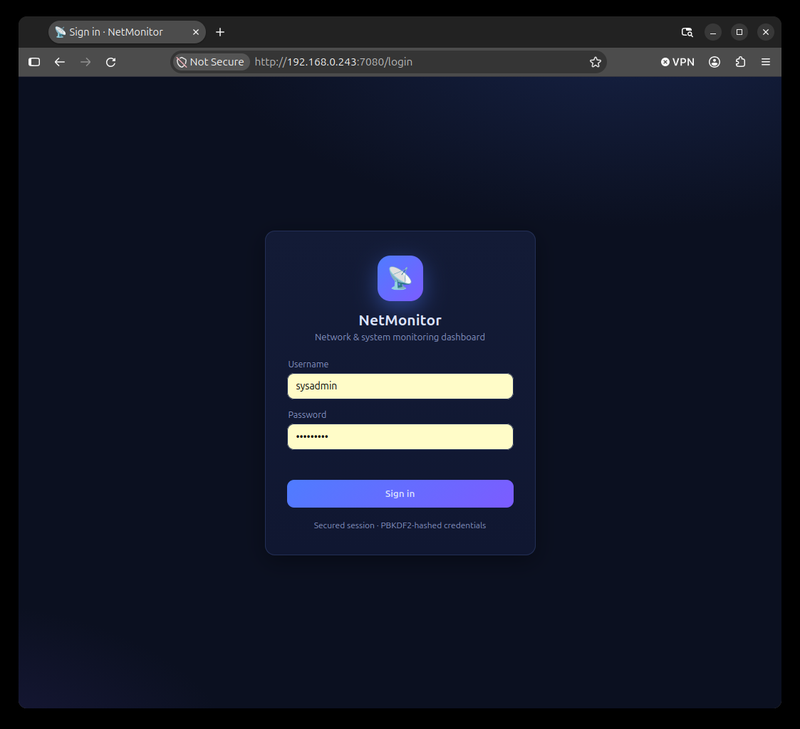
Admins manage hosts and users; regular users get a clean view-only dashboard. Session-based login, no external auth services.
Runs anywhere
Python + SQLite only. Run it natively, as a boot service, or in a Docker container (Ubuntu + sshd image) that auto-starts with your server.
Mobile-friendly UI
A responsive, touch-friendly interface that works on phone, tablet and desktop — your network on your pocket.
Version history
| Version | Date | Notes |
|---|---|---|
| 1.0.0 | 2026-11-04 | Initial public release. SNMP host monitoring (CPU, memory, swap, load, disk/RAID), router monitoring (Mercusys/TP-Link & D-Link), live traffic charts with multi-range selection, multi-user admin/view roles, Docker image with auto-start service. |